> ## Documentation Index
> Fetch the complete documentation index at: https://docs-dev-fix-docs-5525.mintlify.site/llms.txt
> Use this file to discover all available pages before exploring further.
> Describes how to change an application's signing algorithm using the Auth0 Dashboard.
# Change Application Signing Algorithms
You can change your application's signing algorithm using the Dashboard.
1. Go to [Dashboard > Applications > Applications](https://manage.auth0.com/#/applications) and select the name of the application to view.
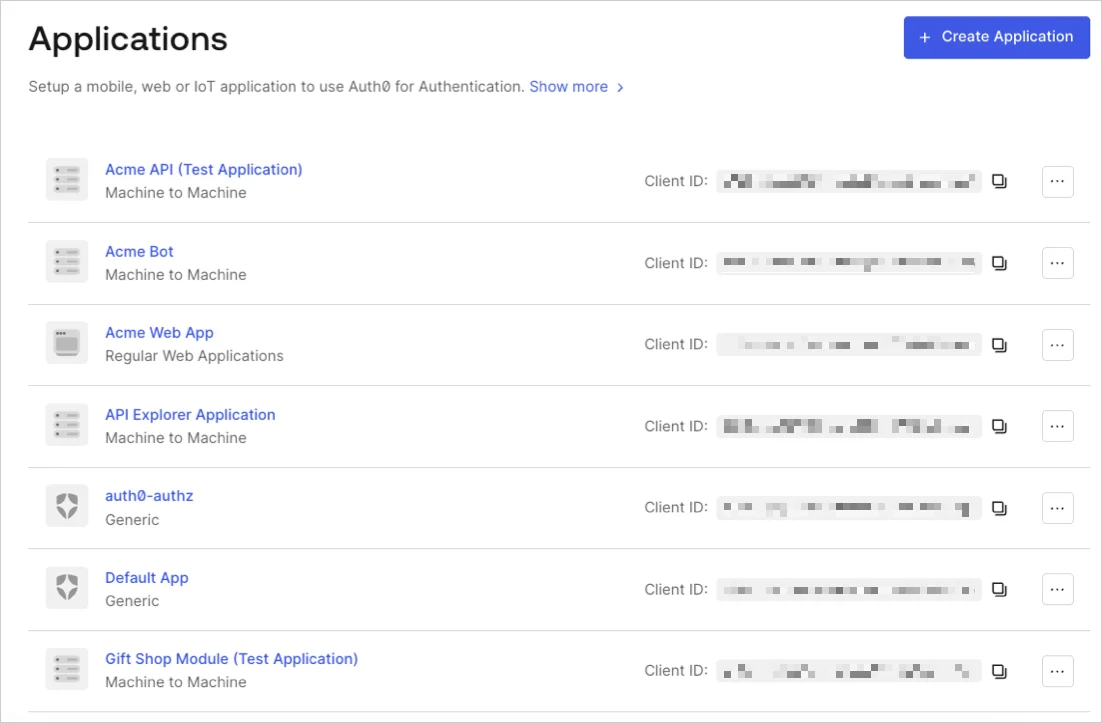 2. Scroll to the bottom of the **Settings** tab and select **Show Advanced Settings**.
3. Go to the **OAuth** tab.
2. Scroll to the bottom of the **Settings** tab and select **Show Advanced Settings**.
3. Go to the **OAuth** tab.
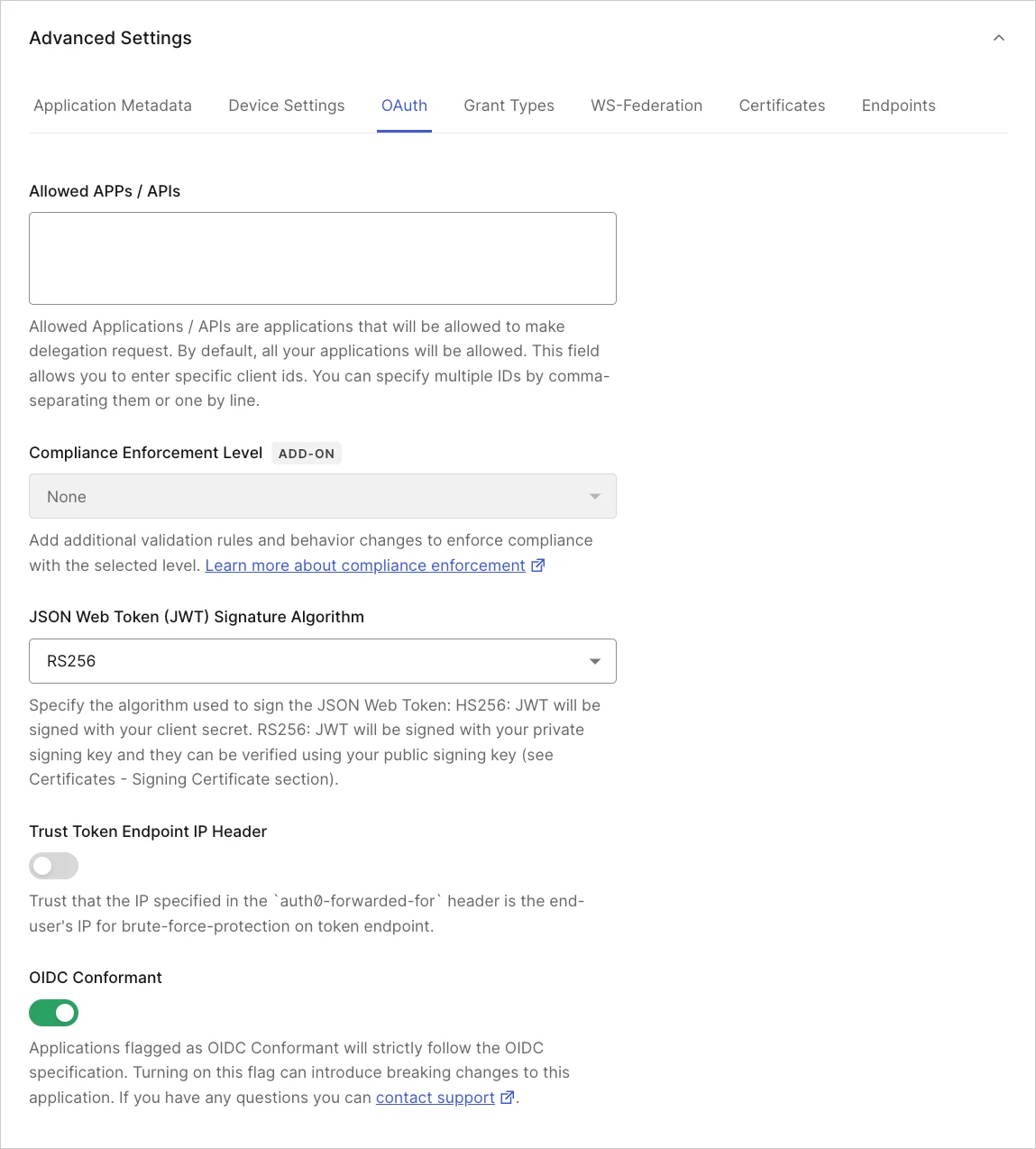 4. Locate **JsonWebToken Signature Algorithm** and select the appropriate signing algorithm for the application.
5. Click **Save Changes**.
## Learn more
* [Signing Keys](/docs/get-started/tenant-settings/signing-keys)
* [View Signing Certificates](/docs/get-started/tenant-settings/signing-keys/view-signing-certificates)
* [Rotate Signing Keys](/docs/get-started/tenant-settings/signing-keys/rotate-signing-keys)
* [Revoke Signing Keys](/docs/get-started/tenant-settings/signing-keys/revoke-signing-keys)
* [Signing Algorithms](/docs/get-started/applications/signing-algorithms)
4. Locate **JsonWebToken Signature Algorithm** and select the appropriate signing algorithm for the application.
5. Click **Save Changes**.
## Learn more
* [Signing Keys](/docs/get-started/tenant-settings/signing-keys)
* [View Signing Certificates](/docs/get-started/tenant-settings/signing-keys/view-signing-certificates)
* [Rotate Signing Keys](/docs/get-started/tenant-settings/signing-keys/rotate-signing-keys)
* [Revoke Signing Keys](/docs/get-started/tenant-settings/signing-keys/revoke-signing-keys)
* [Signing Algorithms](/docs/get-started/applications/signing-algorithms)