> ## Documentation Index
> Fetch the complete documentation index at: https://docs-dev-fix-docs-5525.mintlify.site/llms.txt
> Use this file to discover all available pages before exploring further.
> Troubleshoot any issues associated with an Auth0 Teams membership.
# Troubleshoot Teams
To ensure undisrupted service, see below to help troubleshoot any issues associated with an Auth0 Teams membership.
## Add a missing tenant
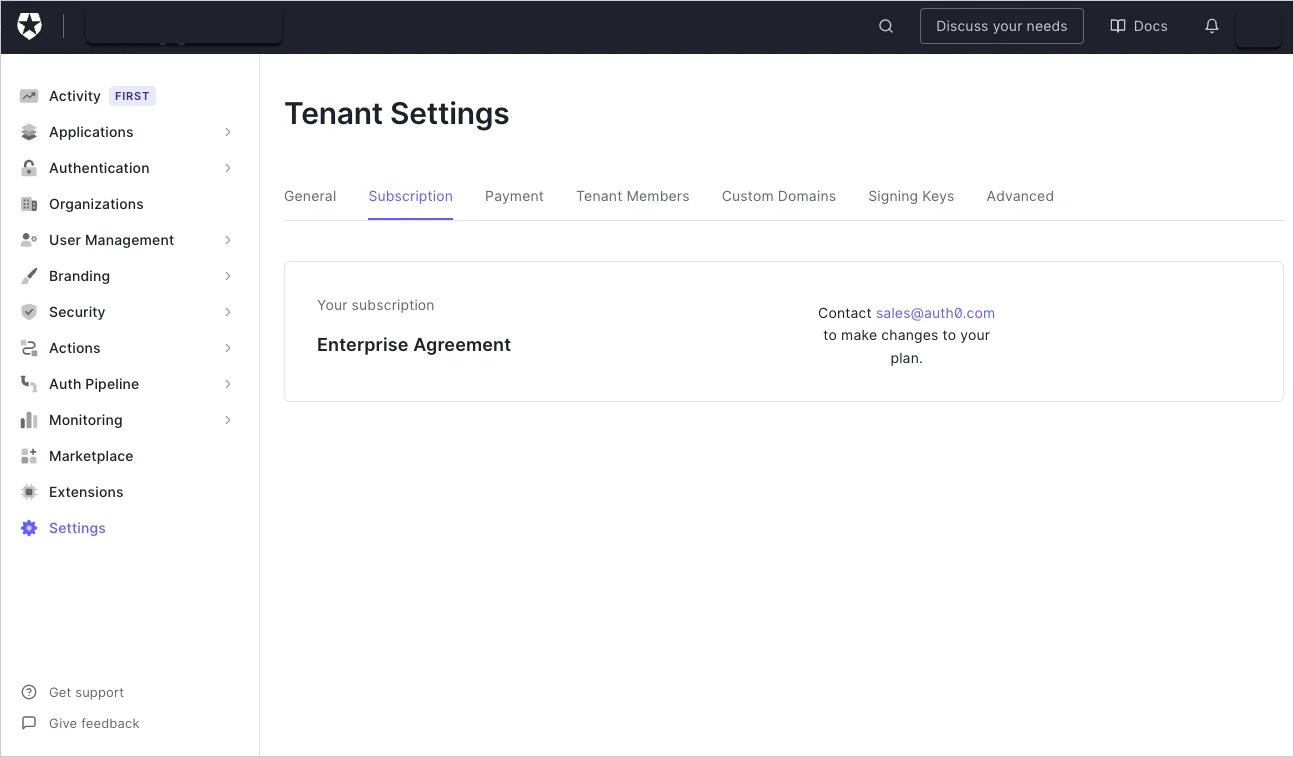
If you are on a self-service subscription plan and you don’t see a tenant under your Teams instance, verify the [subscription](/docs/troubleshoot/customer-support/manage-subscriptions) details:
1. First verify the [subscription](/docs/troubleshoot/customer-support/manage-subscriptions) details by checking the tenant's subscription.
2. Attempt to link the tenant by following the [Link tenants](/docs/get-started/auth0-teams/tenant-management) guide.
If the subscriptionis an Enterprise Agreementbut is not part of your Teams instance, contact [Auth0 Support](http://support.auth0.com) to assist in adding the tenant.
 ## Remove an unrecognized admin
If a Tenant administrator is listed as part of a tenant and should not be:
1. If you are a Team Owner and also the tenant admin for the tenant, access the Auth0 Dashboard for the tenant to remove the admin. To learn more, read [Team Member Management](/docs/get-started/auth0-teams/team-member-management).
2. Request a tenant administrator to remove the admin from the tenant.
## Remove an unrecognized admin
If a Tenant administrator is listed as part of a tenant and should not be:
1. If you are a Team Owner and also the tenant admin for the tenant, access the Auth0 Dashboard for the tenant to remove the admin. To learn more, read [Team Member Management](/docs/get-started/auth0-teams/team-member-management).
2. Request a tenant administrator to remove the admin from the tenant.